



Advanced Charting & Analysis

Auto Trading
MT4 vs MT5
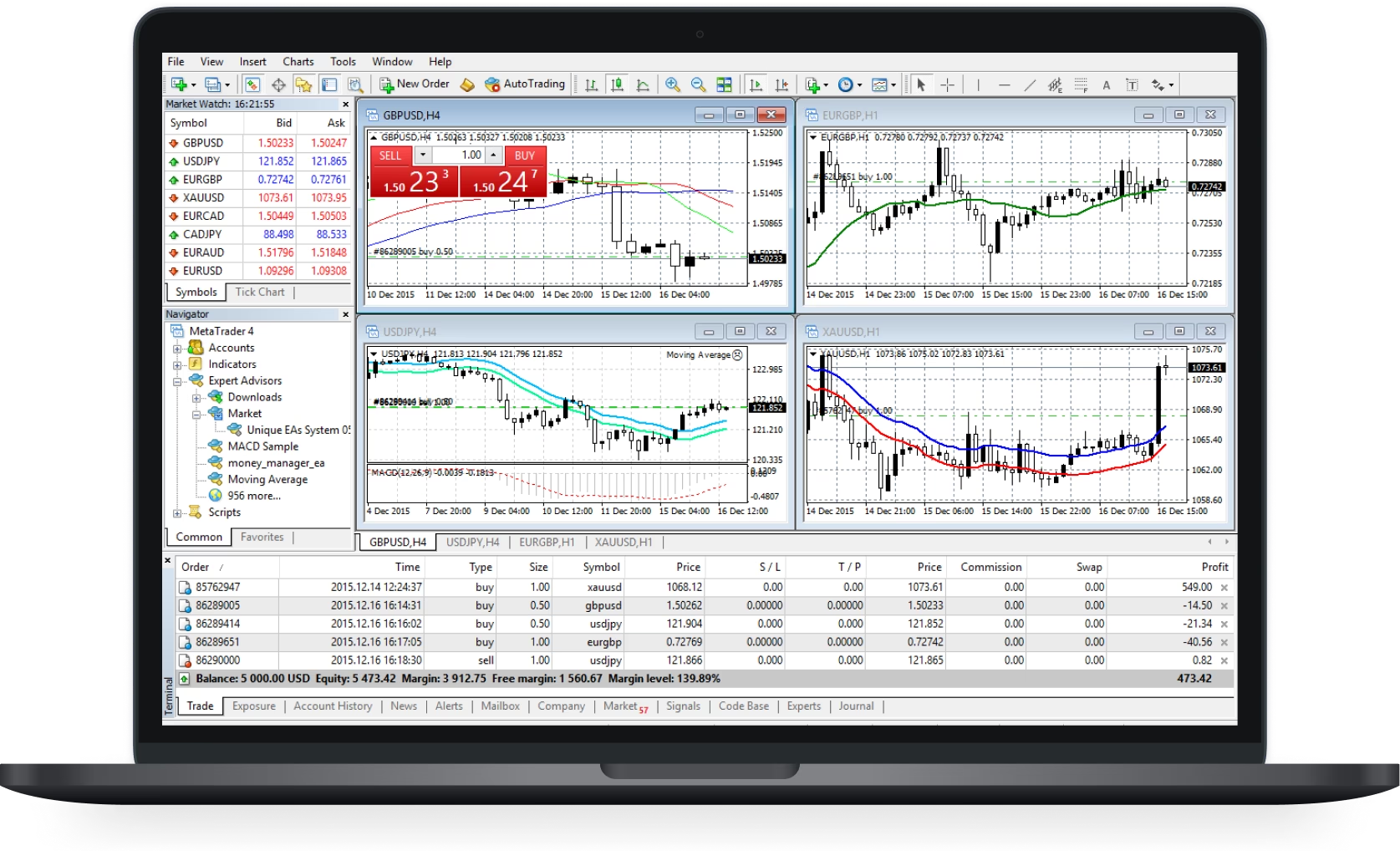
MT4 Desktop
Trade Deeply. Analyze Broadly. Experience the Power of Desktop Trading.
Windows
Mac OS
Linux


Easy 3 Steps account opening + trade start

Application Form


Upload ID

Deposit & Start Trading
Complete registration as fast as 5 mins, start same day trading.
Frequently Asked Questions
We offer two account types with distinct eligible symbols: RAW Zero accounts use the format "currency name + .raw", while PURE Spread accounts use only the currency name.
Spread: Right-click "Inside market price"*, select "Spread". (1 point = 0.1 pips)
Trading Hours: Right-click "Inside market price"*, select "Specifications".
*If "Inside market price" is not visible, Go to "View" > "Navigator". Then, follow the steps above.
Trading Hours: Right-click "Inside market price"*, select "Specifications".
*If "Inside market price" is not visible, Go to "View" > "Navigator". Then, follow the steps above.
On MT4/5, chart rates are typically displayed as Bid rates (offer prices). This means the Ask rate (bid price) will always be higher due to the spread.
The maximum order size is 80 lots per trade, and the maximum number of open positions is 200 lots.
The minimum trading unit on MT4/5 for RAW Zero & PURE Spread accounts is 0.01 lot.
