

01
Analysis
Charts and technical indicators
Trading platforms
Choose MT4, MT5, or WebTrader for your environment and trading style. From detailed analysis on a PC to placing orders on a smartphone, use the setup that matches your purpose.
After opening an account, completing identity verification, and depositing funds, prepare a trading platform, log in with your account number, and start trading.
Check prices, analyse the market, place orders, and manage positions in one environment.
01
Charts and technical indicators
02
Market, limit, and stop orders
03
Balance, margin, and trade history
MT4 is a trading platform with straightforward controls and room to customise. It supports a wide range of indicators and automated trading (EAs), so you can build an environment that matches your style.
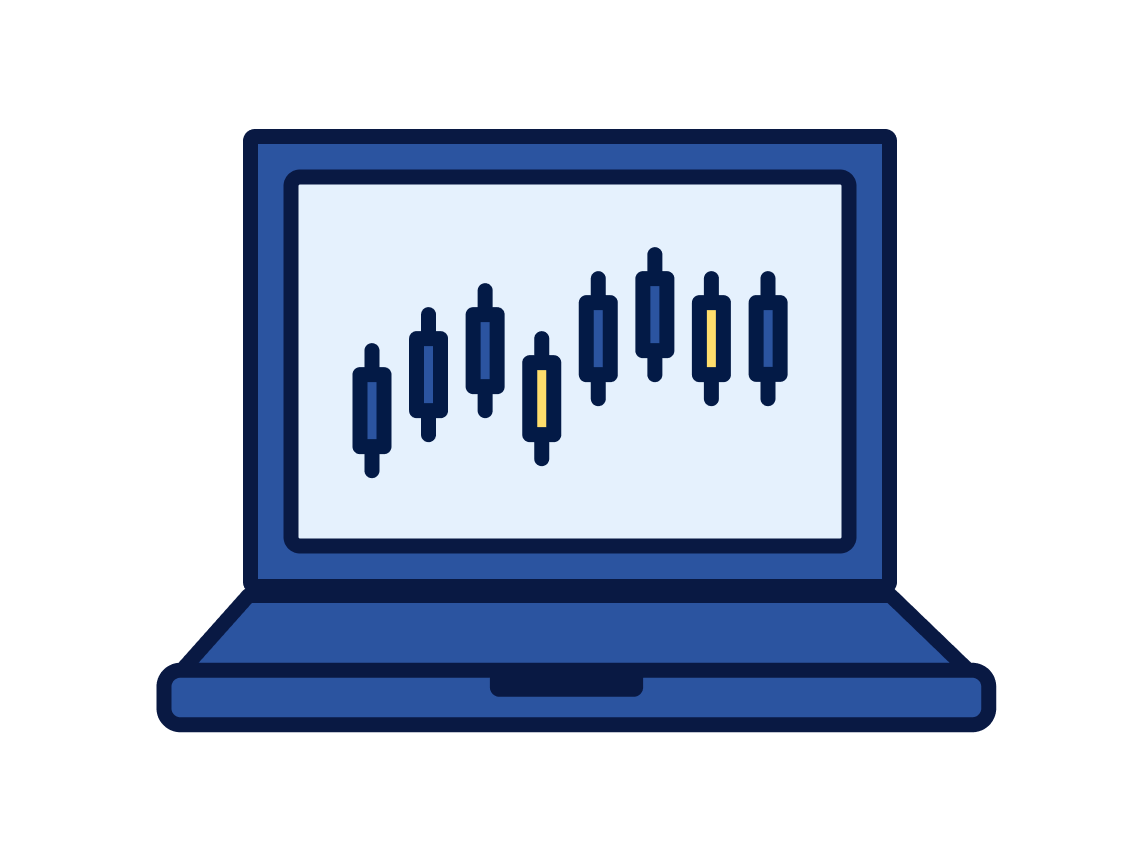
MT5 is a feature-rich trading platform with extensive analysis tools and many timeframes. It supports stock CFDs as well as FX, so you can manage several markets in one environment.
WebTrader is the MT4 trading screen you open in a browser, with no software to install. Log in with an MT4 account to check charts and place orders.
The choice is simpler when you start from what you want to trade and how you want to use it. Recommended uses and the main features are summarised for each platform.
Recommended if
You focus on FX and want to use EAs
A long-established platform. Existing EAs, indicators, and guides are easy to put to use.
Recommended if
You want to trade a wider range, including stock CFDs
More timeframes and features than MT4, plus stock CFDs. Suited to traders who want a broader set of products.
Recommended if
You want to try it without installing software
The browser version of MT4. Check the trading screen without installing software.
Choose the setup that matches where you trade. A PC suits analysis, a smartphone suits checking prices and placing orders, and WebTrader suits use without installation.
Chart analysis and an environment for trading with EAs
Devices
Windows / macOS
Account management, price checks, and orders away from your desk
Devices
iPhone / Android
Access the trading environment without installing software
Devices
Browser
Yes. Once your account has been opened, you can access the Client Portal and MT4/MT5.
Demo and live accounts offer the same trading instruments, spreads and leverage. However, demo accounts operate in a simulated trading environment, so server connectivity and execution timing may differ from live trading. Orders placed on a demo account may therefore produce different results from live account orders.
After signing in to the Client Portal, select Trading History from the menu.
MT4 is an established platform with a particularly wide range of third-party indicators and Expert Advisors (EAs). MT5 is a newer platform with enhanced features and fast performance. WebTrader lets you trade through a browser without installing software, using your MT4/MT5 account.
Yes, MT4/MT5 is available on smartphones and tablets. Download the relevant MT4 or MT5 app from the App Store on iOS or Google Play on Android. For more information, see our Help Centre:
https://portal.threetrader.com/help-center/articles/download-trading-platforms
After opening an account, make a deposit and download a trading platform. Log in to MT4/MT5 with your account number to start trading.


